WordPress 7.1 Beta 1 is ready for download and testing!
This beta release is intended for testing and development only. Please do not install, run, or test this version of WordPress on production or mission-critical websites. Instead, use a test environment or local site to explore the new features.
How to Test WordPress 7.1 Beta 1
You can test WordPress 7.1 Beta 1 in any of the following ways:
| WordPress Beta Tester Plugin | Install and activate the WordPress Beta Tester plugin on a WordPress install. Select the “Bleeding edge” channel and “Beta/RC Only” stream. |
| Direct Download | Download the Beta 1 version (zip) and install it on a WordPress website. |
| Command Line (WP-CLI) | Use this WP-CLI command: wp core update --version=7.1-beta1 |
| WordPress Playground | Use a 7.1 Beta 1 WordPress Playground instance to test the software directly in your browser. No setup required-just click and go! |
The scheduled final release date for WordPress 7.1 is August 19, 2026. The full release schedule can be found here. Your help testing Beta and RC versions is vital to making this release as stable and powerful as possible. Thank you to everyone who contributes by testing!
How important is your testing?
Testing for issues is a critical part of developing any software, and it’s a meaningful way for anyone to contribute – whether or not you have experience. Details on what to test in WordPress 7.1 are available here.
If you encounter an issue, please share it in the Alpha/Beta area of the support forums. If you are comfortable submitting a reproducible bug report, you can do so via WordPress Trac. You can also check your issue against this list of known bugs.
Curious about testing releases in general and how to get started? Follow along with the testing initiatives in Make Core and join the #core-test channel on Making WordPress Slack.
WordPress 7.1 will include new features that were previously only available in the Gutenberg plugin. Learn more about Gutenberg updates since WordPress 7.0 in the What’s New in Gutenberg posts for versions 22.7, 22.8, 22.9, 23.0, 23.1, 23.2, 23.3, 23.4, 23.5 and 23.6.
What’s new in WordPress 7.1?
WordPress 7.1 delivers a more complete set of styling controls, a smoother media experience, and a more personalized admin experience. Notes have evolved to add inline notes with @mentions and rich text formatting that make asynchronous feedback feel more powerful. New styling features unlock long requested features to style how blocks look across screen sizes and to style interactive states, all without writing custom CSS. Various client side media improvements means better format support, improved performance, and more resilient uploads when adding media to your site. A new inline cropping tool brings a fresh and more robust experience to editing images. Finally, the admin experience becomes easier to navigate with an ever present admin bar in the editors, improvements to the command palette, and various quality of life improvements. Underneath it all, developers get an expanding set of APIs to build on, and site owners get better support for a truly global audience.
New suite of Notes features
Notes continue to grow into a fuller collaboration experience, making asynchronous feedback between teams faster and more expressive.
Text Formatting: Notes now support inline formatting like bold, italic, code, links and adding emoji; each with a respective keyboard shortcut, so feedback reads clearly without breaking your flow.
@mentions: Type “@” in a Note to pull up a searchable list of collaborators and tag someone directly, so feedback points at the right person without leaving the sidebar.
Leave notes anywhere: Start more than one conversation on the same block instead of folding every comment into a single thread, making it easier to track distinct pieces of feedback.
Inline notes: Leave a note on a text selection instead of on an entire block.
Show more / show less: Long notes now collapse by default with a toggle to expand them, keeping the margin tidy while you write.
Style it your way, on any screen
WordPress 7.1 takes a major step toward built-in responsive design and interactive styling, letting you achieve looks that once required writing custom CSS.
Responsive styling: Define how a block looks at different screen sizes directly in the editor, for both Global Styles and individual blocks without the need of writing custom CSS.
Viewport breakpoint customization: Theme authors can now define their own responsive breakpoints in theme.json, giving more flexibility for how responsive controls behave on a given site.
Interactive state styling: Style how blocks respond to interaction, like a button changing color on hover or focus, using a standardized set of controls for both Global Styles and individual block instances.
A smoother media experience
Uploading, editing, and browsing media keeps getting more capable and more reliable.
- Client-side media processing: Image and media processing moves into the browser, now with broader format support that includes HEIC (the default format for iPhone photos), UltraHDR, AVIF and WebP support built in, plus GIF-to-video conversion for lighter, more efficient files. Uploads are also more resilient, with a progress indicator and automatic retries if your data connectivity drops off.
- New Media Editor Modal: A dedicated modal for editing images replaces the inline cropping tool, bringing cropping, rotation, and metadata editing together in one streamlined workflow.
- Smarter galleries: Gallery blocks can automatically pull in and sort media already attached to the current post, cutting down on manual set-up.
- View attached images: After you upload images to a post, the inserter will automatically surface them in a new Attached images section to make it easier to find relevant images.
- Infinite scrolling by default: The Media Library grid view now loads additional items automatically as you scroll, rather than requiring a click on “Load more” especially handy for sites that handle large media libraries. This can be disabled under your user profile.
A more personal, more navigable admin
These meaningful upgrades make the WordPress admin easier to move around in and more consistent with how you like to work.
- Persistent toolbar (Omnibar): The admin toolbar now travels with you into the Site Editor and Block Editor, with a series of polish improvements throughout.
- Command palette improvements: Moving through the dashboard and editor with the command palette
(Ctrl/Cmd+K)is more refined to make finding what you need even faster! Now results are grouped into Recent, matching and Suggestions sections instead of one flat list. - Admin color scheme in the Site Editor: The Site Editor now reflects your chosen admin color scheme instead of always using a fixed background.
- DataViews and DataForms iterations: Continued refinement of the components behind managing lists of posts, pages, patterns, and templates, alongside the forms used to edit them.
- Excerpts in the Posts list: The Posts list view now shows a short excerpt for each entry, making it easier to identify the post you’re looking for without opening it.
- Visual revisions: This release adds a picker activity layout for browsing history in more detail, clearly labeled autosaves in the timeline, and an autosave notice that opens straight into the visual revisions view. Global Styles revisions get a small polish too, swapping the active style’s text label for a badge.
- A dedicated Identity section: Site identity settings like your title, tagline, and icon are now live in their own clearly labeled section of the Site Editor, making them easier to find and update.
- On This Day Widget: A new widget resurfaces what you published on this date in past years, right on your dashboard. A small nudge to look back on what you’ve written, and a reason to write something new today.
- Allow Changing Comment Parent: Fixing a misthreaded comment used to mean editing the database directly. WordPress 7.1 adds an editable “In reply to” control to the Edit Comment screen, letting you pick a new parent from a dropdown of the post’s other comments. It’s scoped to the same post, so this is about untangling threads, not moving comments across posts.
New blocks and block-level enhancements
WordPress 7.1 release brings a handful of block refinements that give more control with fewer steps.
- Playlist Block: A new block for adding a collection of audio files to a post or page, with an optional waveform visualization that shows the audio’s shape as it plays; a more visual way to present podcasts, music, or audio content without using any third-party plugins.
- Tabs Block: A new block for organizing content into clickable tabbed panels instead of showing everything at once. It’s a cleaner way to present related content without overwhelming the page.
- Background gradients: Background gradients and background images no longer conflict. The gradient used to get silently overridden by the image, but now they combine and display together. This fix extends beyond the Group block to Verse, Accordion, Pullquote, Post Content, and Quote block.
- HTML block editable content: The HTML block now supports editable nested blocks. This is great to use for AI-generated content, which often arrives as raw HTML.
- “Mark as decorative” for images: A new toggle on the Image block lets you hide purely decorative images from screen readers for a better accessibility experience.
- Smarter shortcode handling: Pasting or converting a shortcode into the Embed block now creates a proper Embed block instead of leaving raw shortcode text behind, and the Shortcode block gains block-specific transforms of its own.
Built for a global audience
WordPress 7.1 continues work to make Core reflect the full diversity of its worldwide community, with progress toward supporting Unicode email addresses so usernames, slugs, and email addresses can better represent users everywhere.
Built for developers
WordPress 7.1 continues to expand the foundation developers build on.
- Abilities API expansion: Continued refinement of the Abilities API with improved querying, filtering, and input validation, giving developers and AI tooling a more reliable foundation to build on.
- Block Bindings for list items: Block Bindings now extend to List Item, making it possible to connect more block content to dynamic data sources without custom code.
- Custom icon registration: New functions let plugin and theme authors register their own icons for the Icons block for use throughout the block editor.
- Enforced iframed editor: The post editor now always runs inside an iframe, isolating the editing canvas from admin styles for more predictable rendering. Blocks using Block API v2 or lower should be updated to v3 for compatibility.
- wordpress/theme stabilization: The package theme authors use to build block themes gets an architecture and API review, laying groundwork for a more stable, and better documented theming foundation going forward.
- Connectors authentication improvements: The Connectors screen now also supports username and application-password login – a more familiar way to connect plugins and services. This release also closes a security gap where browsers could auto-suggest saved credentials into the API key field.
With so much in progress for WordPress 7.1 Beta 1, this is still only the beginning; expect continued refinement with each Beta and RC release ahead of the final release on August 19, 2026.
Just for you: a Beta 1 haiku:
Seeds of Seven-One,
Notes, styles, media, and tools—
Test, and watch them bloom.
Props to @benjamin_zekavica, @amykamala, @wildworks, @adamsilverstein, @annezazu, @fushar, @jorgefilipecosta, @joedolson for proofreading and review.
Please consider helping!
Awake Freedom TV On Roku is Broken! 🙂
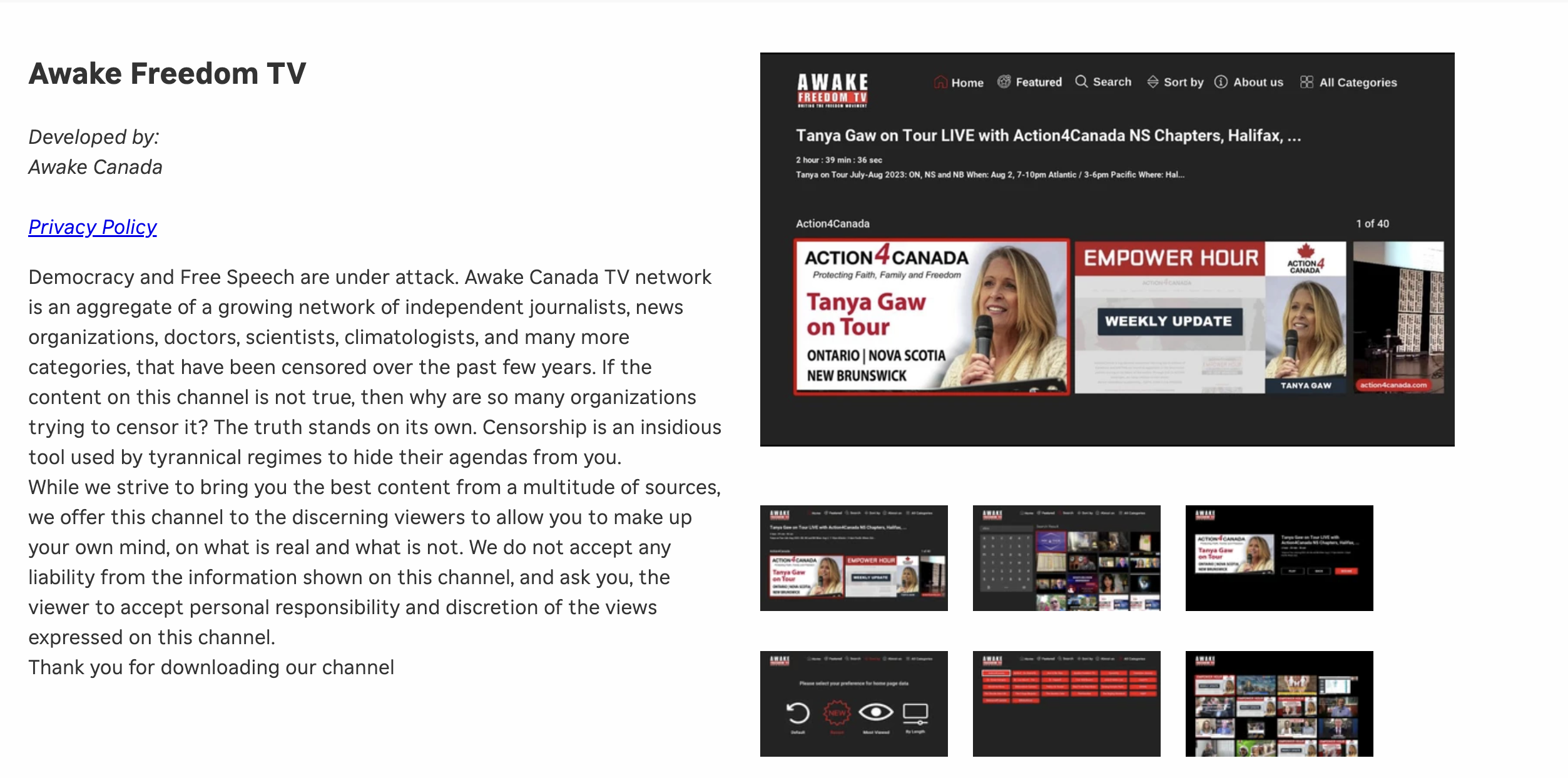
I could no longer maintain the costs on my own, so I moved the off of a dedicated server which was needed for the TV platform to work. On top of that, I want to build an app Awake Freedom TV app, for mobile phones. We need your help to first resurrect our TV channel, and then build the mobile app. In order to do that, I need a minimum of 800/month on subscription payments. Please help anyway you can with the form below.